8-direction sprite sheets from a 3D model
Upload a rigged 3D model and the camera orbits the Y axis, rendering each direction and sampling the animation into the number of frames you ask for, then assembling everything into one transparent PNG sheet. Every direction shares the same camera pitch and the same frustum, so the character never changes size between directions. Rendering runs in your browser, so it costs no credits.
How it works
1Upload a model
A rigged GLB or GLTF. With a Mixamo skeleton, separate animation files drop straight in.
2Pick an animation
Use a clip bundled with the model, or upload a GLB that contains only animation.
3Set camera and cells
Direction count (4/8/16), frames per direction, cell size, projection and camera pitch.
4Export the sheet
One transparent PNG plus a JSON file with the rectangle of every cell.
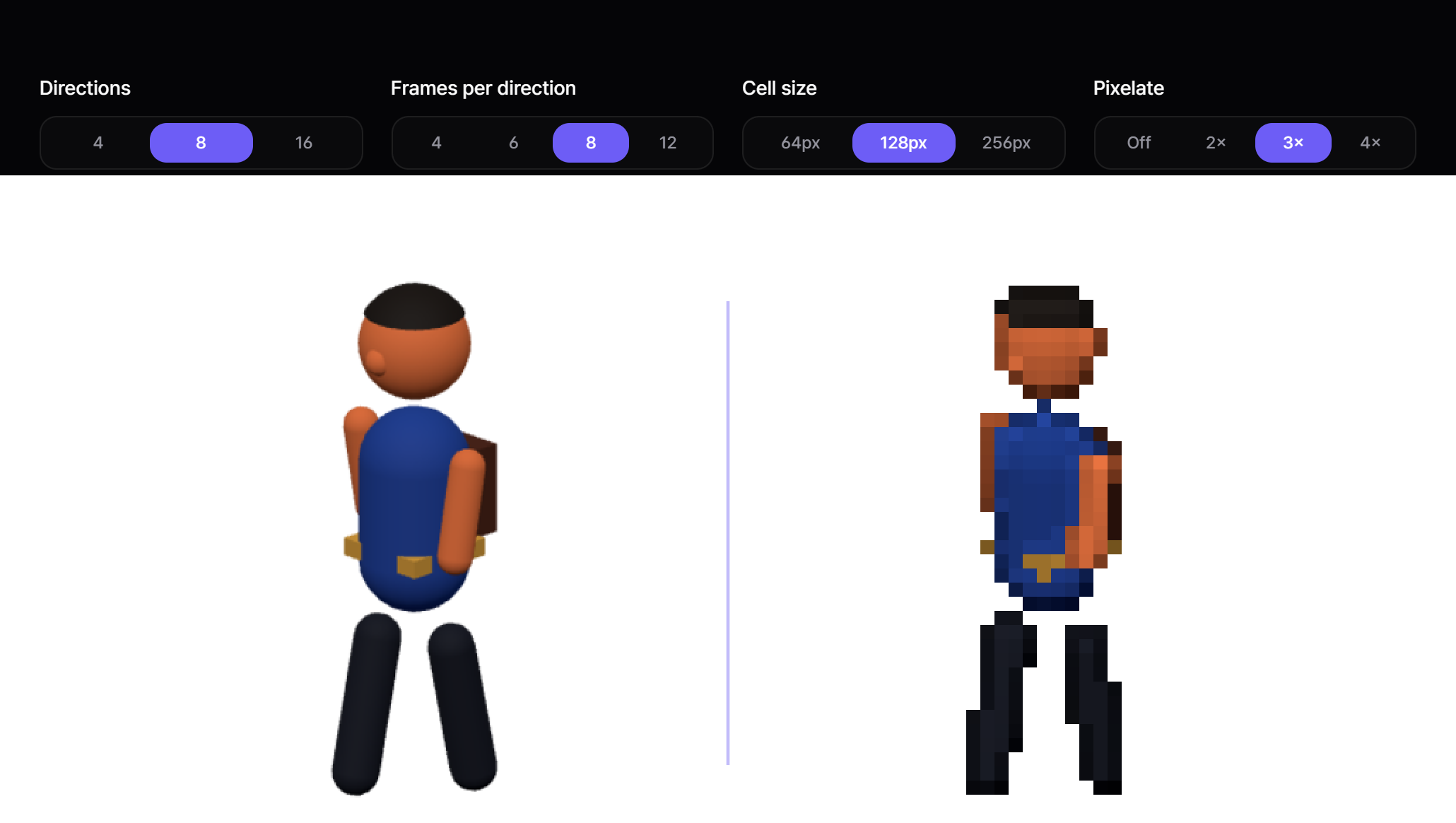
What each control does
- 1 · Character model
- Loads a rigged GLB or GLTF. The camera fits itself to the model's bounding box, so a Mixamo model authored in centimetres is normalised for you. Without a skeleton nothing can be animated.
- 2 · Animation file (optional)
- Optional. A GLB whose clips are retargeted onto your model by bone name. Only rotation tracks are kept — position and scale belong to the source skeleton and would collapse a model with different proportions.
- Animation
- Every clip found, whether it shipped inside the model or came from the animation file. Picking one plays it in the preview and enables export. If a clip targets bones your model does not have, a warning tells you how many.
- Reset view
- Puts the camera back on the current direction and pitch and undoes any zoom. Free-look is for inspection only — export always uses the direction and pitch set below, never wherever you happen to have dragged the view.
- Direction strip
- The eight small views under the preview render all eight facings live. Click one to swing the main view to it. It is there to catch facings that read wrong: a pose can look fine from the front and be unreadable from behind.
- Projection
- Orthographic aligns every direction to the ground exactly. The three lens options add perspective — a long lens stays close to orthographic while giving back a little depth. Switching keeps the framing and only changes how much perspective you get.
- Camera pitch
- The downward tilt, shared by every direction. Side 0° suits a platformer, 30–45° a classic top-down RPG. Different pitches per direction would make the sheet misalign, so there is one setting for all of them.
- Directions
- How many facings to render around the Y axis. Eight is the usual choice; four halves the sheet if your game only walks the cardinals; sixteen smooths the turn at the cost of size.
- Frames per direction
- How many samples to take from the clip. The end point is excluded, so the first and last frame join seamlessly into a loop.
- Cell size
- The pixel size of one cell before trimming. The shared transparent margin is cropped afterwards, so the delivered cell is usually smaller than this and no longer square.
- Pixelate
- Renders each cell at a fraction of its resolution and draws outlines along depth and normal breaks. With it on the sheet skips the final rescale, which is what keeps every pixel block the same size.
- Generate sprite sheet
- Renders directions × frames cells on your own GPU, then assembles them into one transparent PNG with a row per direction. Nothing is billed for it.
- Download PNG / JSON metadata
- The sheet itself, and a JSON file giving the rectangle of every cell plus the column and row counts your engine needs in order to slice it.
- Take it for a walk
- Drives the finished sheet around with WASD or the pointer. Whether the art is right you can see standing still; whether the directions are mapped correctly only shows once you walk a full circle.
Specs at a glance
| Input | Rigged GLB / GLTF (Mixamo skeleton recommended) |
|---|---|
| Output | Transparent PNG sheet + JSON metadata |
| Directions | 4, 8 or 16 |
| Credit cost | None — rendering runs in your browser |
| Camera | Orthographic or 15°/30°/50° lens, pitch 0°–60° |
| Pixelate | Off, or 2× / 3× / 4× blocks with depth and normal outlines |
| Engines | Unity, Godot, Phaser, RPG Maker, anything that reads a grid sheet |
What it does not do well
The motion is only as good as the model you bring. Drop a generic walk cycle from an animation library onto a character and the things that should swing — a hair ribbon, a satchel, a coat tail — simply do not move; that secondary motion has to be authored on curves in 3D. Non-Mixamo skeletons may not accept external clips, and auto-rigging is not supported yet, so the model has to arrive rigged. A downscaled 3D render also reads differently from hand-placed pixel art.
Frequently asked questions
Does this cost credits?
No. The rendering happens on your own machine in the browser, so there is nothing to bill.
Can I use a model that is not rigged?
Not yet — it needs a skeleton. Run it through Mixamo or an auto-rigger first.
Where do the animations come from?
Either from clips inside your model, or from a separate GLB containing animation. Mixamo skeletons transfer directly.
Why does the character stay in place?
That is deliberate. Baking root motion into a sheet walks the character out of the cell frame by frame; movement belongs in the engine.
How do I import into Unity or Godot?
Drop the PNG in and slice by the column and row counts from the JSON. In Godot, feeding individual frames to SpriteFrames is usually quicker.