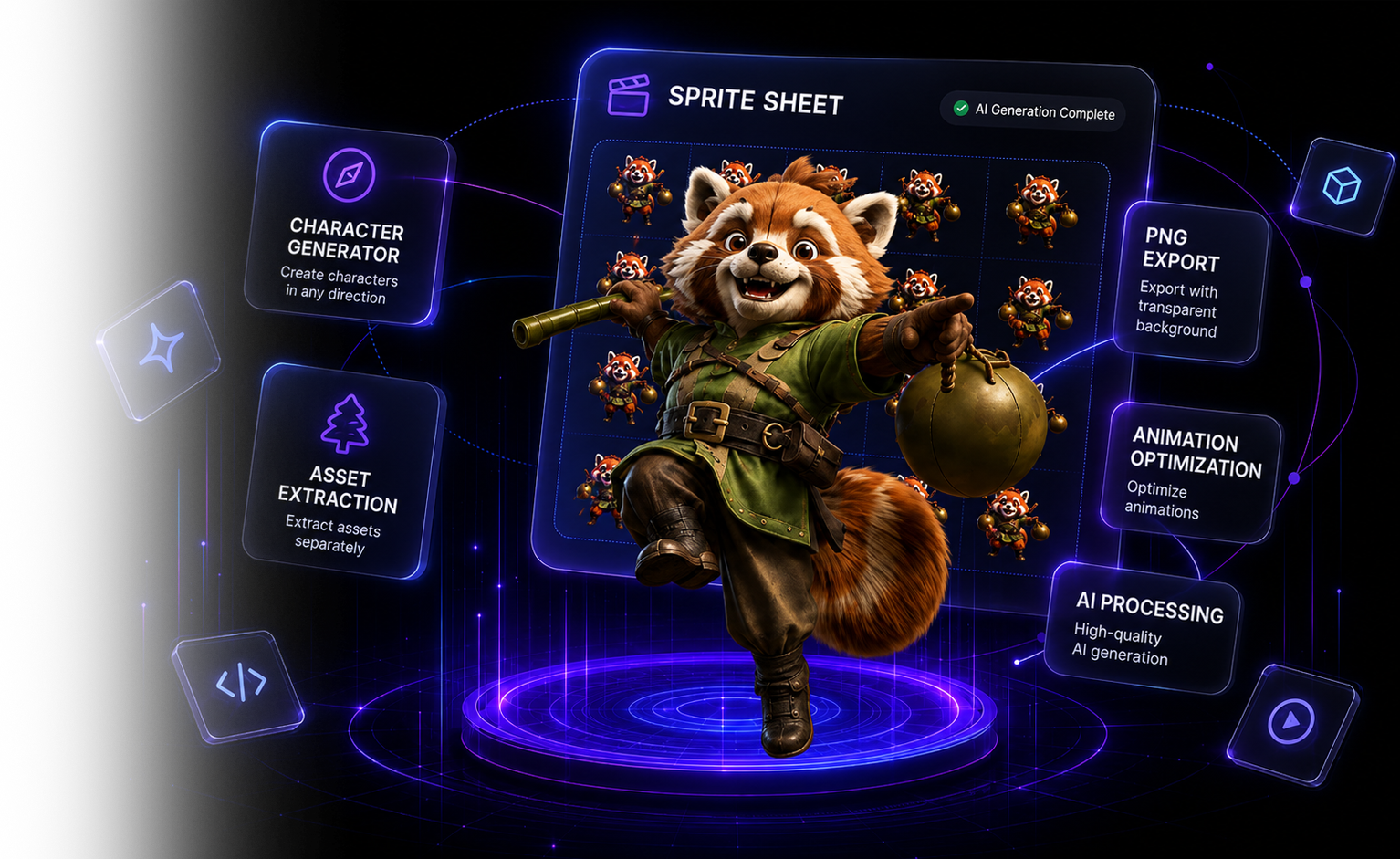
From one character image, to a finished sprite sheet
AI analyzes your character and generates animated sprite sheets — idle, walk, attack and more. No animator, no rigging, no frame-by-frame work.
Examples
See the output in motion
Real sprite sheets, played back the way a game engine would. Static frames in, looping animation out.
Quick start
Quick Start — From One Image to a Sprite Sheet in 5 Minutes
The fastest path from uploading a single character image to exporting a walk or attack sprite sheet, in four steps.
Workspace
From a character image to a sprite sheet, in 4 steps
Pick a tool and start creating game-ready assets.
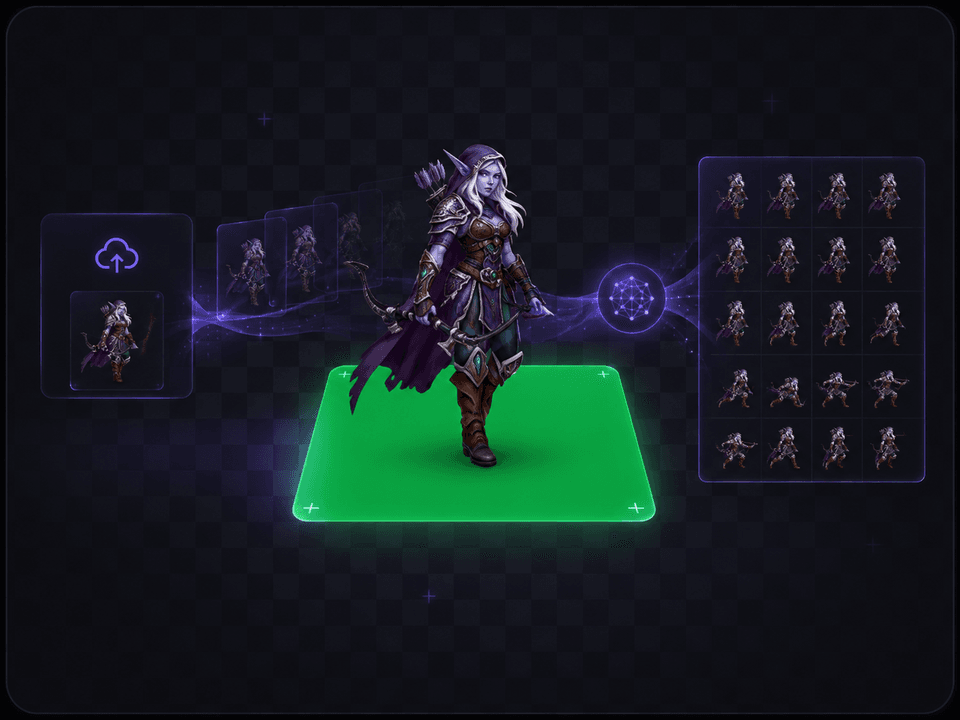
Animation sprite sheet
Character generation
Scene asset extraction
3D model → sprite sheet
NEWFreeUpload a rigged 3D model, pick an animation, and render a 4/8/16-direction sprite sheet on your own GPU — entirely in the browser, free.
New
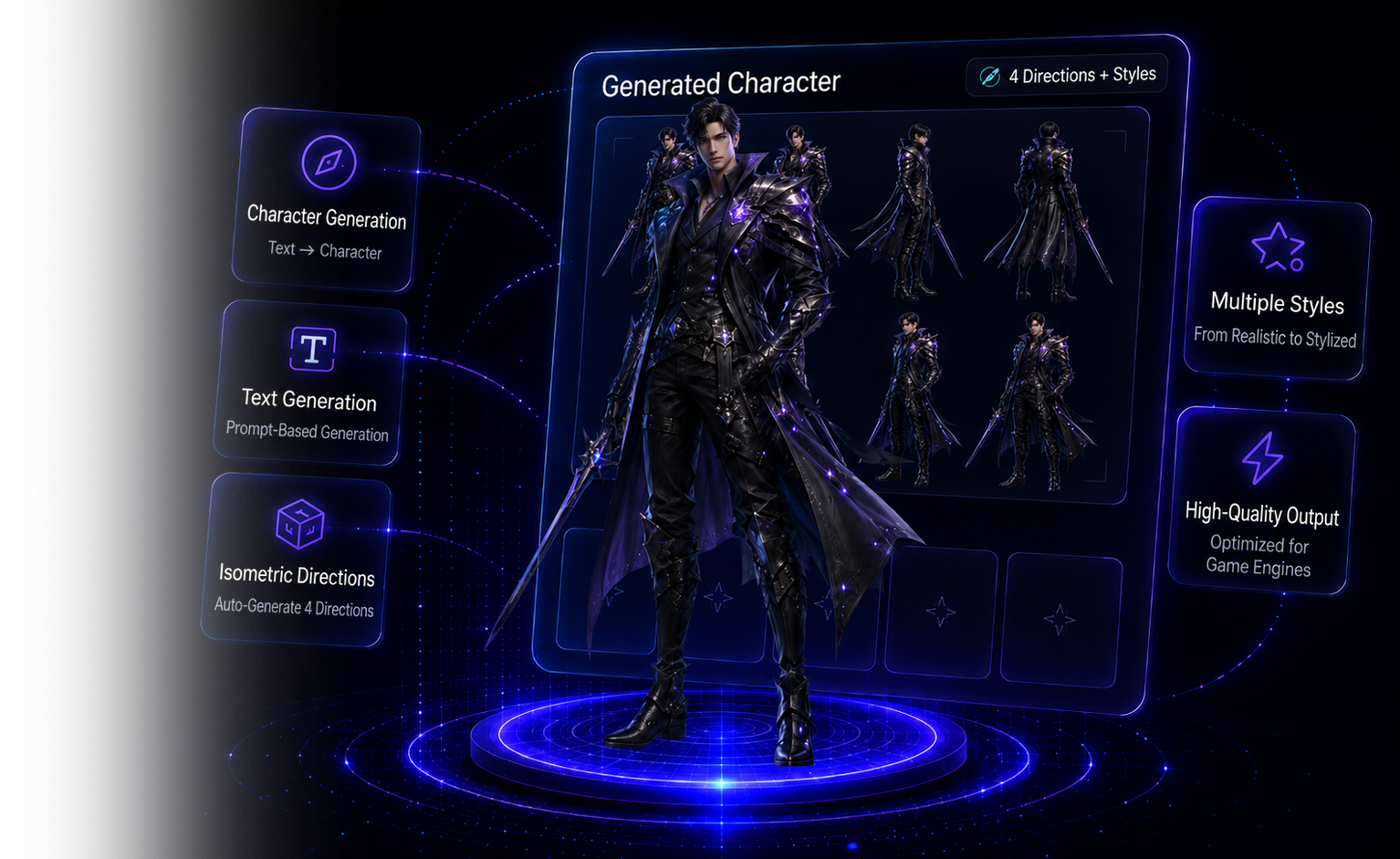
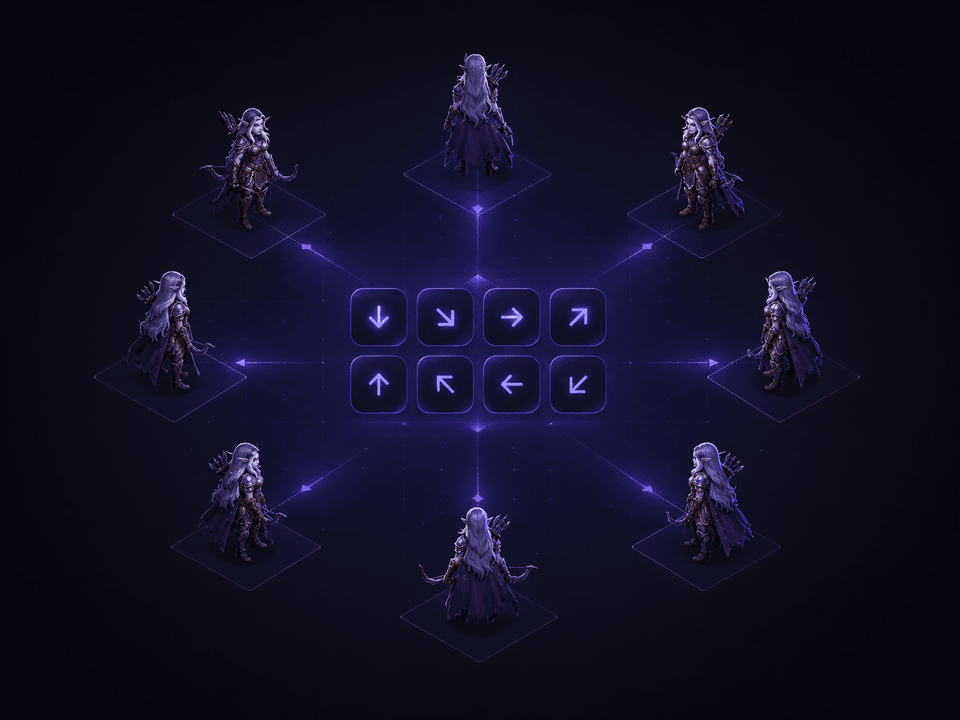
8-direction isometric characters, in one click
Describe a character and generate a full 8-direction, 45° isometric sprite set — ready to drop into your game.
8 directions
A complete N · NE · E · SE · S · SW · W · NW set from a single prompt.
45° isometric view
The classic high-angle isometric game camera, consistent across every direction.
Text to image
No source art needed — just describe your character and generate.
Game-ready PNG
Transparent backgrounds; download each direction or the whole sheet.
New
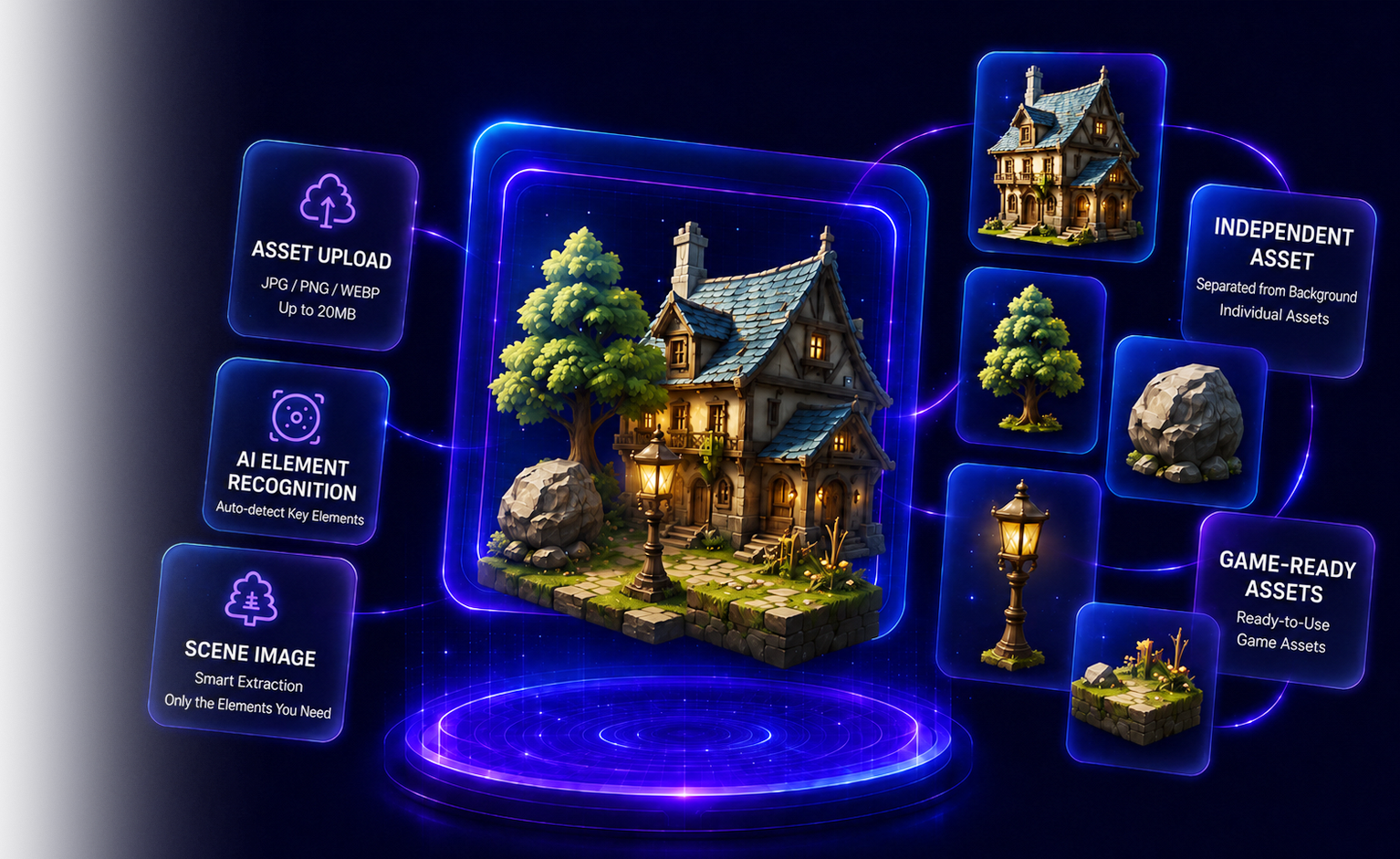
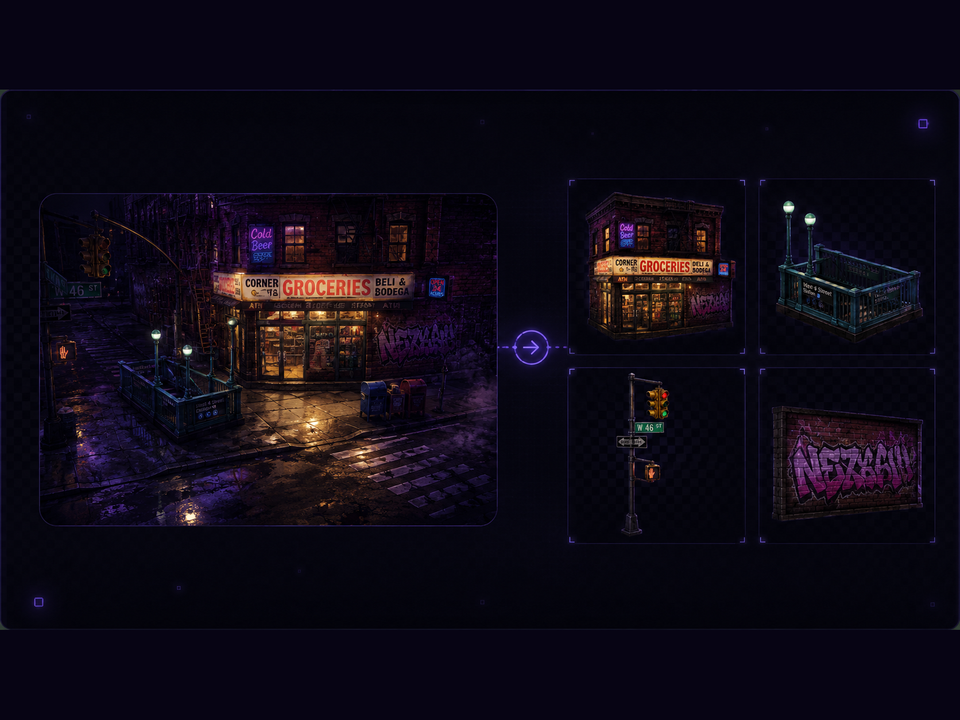
Turn one scene into a full asset pack
Upload a game scene — AI detects the buildings, trees and props inside, and extracts the ones you pick as standalone assets.
Free AI detection
The part list is generated for free; credits are only spent on the parts you choose to extract.
Keeps the scene's perspective
An isometric scene yields isometric parts — extracted assets sit naturally next to the original.
One-click background removal
Strip every part's background at once, then fine-tune any cutout in the editor.
Pay per part, auto refund
Each part is billed individually; failed parts are refunded automatically.
How it works
Four steps, from one image to a sprite sheet
Every step is designed for game-art workflows — connected end to end, with results you control.
Background · Green screen
The background is removed automatically in your browser, then composited onto a solid chroma-key green — the foundation for animation and transparent extraction.
AI animation
A state-of-the-art AI motion engine turns the static character image into a natural, seamless motion loop — choose the resolution and aspect ratio you need.
Frames · Chroma key
The video is split into individual frames, optionally keying out the green on the fly to produce a transparent-channel sequence.
Keyframes · Export
Farthest-point sampling picks the most distinct poses, assembles a sprite sheet, and ships engine-readable metadata.
Core features
Built for professional game art
From image quality to workflow, every detail holds up in a real production environment.
Instant in-browser cutout
Background removal runs right in your browser via WebAssembly — no server queue, instant results. The clean cut-out is then composited onto a chroma-green stage.
Farthest-point keyframes
Not just even spacing — the most representative keyframes are picked by pose difference for a tighter sequence.
Engine-friendly export
Sprite sheets ship with JSON metadata (frame size, rows/cols, per-frame rectangles) for direct game-engine import.
Perfect loops, any perspective
Walk cycles, side-scroller and 45° isometric views all loop seamlessly — the character stays locked in place with consistent orientation across every frame.
Full control
Resolution, aspect ratio, keyframe count and sprite-sheet layout are all adjustable, regenerated in real time.
Your files stay private
Work-in-progress frames are kept in a controlled, private location — never exposed publicly or shared between projects.
Pricing
Subscribe and generate with credits
Starter
- 120 credits + 20 bonus monthly
- Free tools included (background removal · frames · sheet assembly)
- Transparent PNG · JSON metadata export
- All aspect ratios
- Priority processing queue · commercial use
- Free downloads from the image gallery
Pro
- 300 credits + 60 bonus monthly
- Free tools included (background removal · frames · sheet assembly)
- Transparent PNG · JSON metadata export
- All aspect ratios
- Priority queue · commercial use
- Free downloads from the image gallery
Studio
- 800 credits + 190 bonus monthly
- Free tools included (background removal · frames · sheet assembly)
- Transparent PNG · JSON metadata export
- All aspect ratios
- Top priority queue · commercial use
- Free downloads from the image gallery
Payments are securely processed by Polar (Merchant of Record). Cancel anytime.
Help center
Frequently asked questions
Answers to the questions users ask most, plus tips for getting the best results.
A single character on any background works best — front or 3/4 view, fully visible and not cropped. The tool automatically removes the background and places the character on a green screen for animation.