Tutoriel
Tutoriels et guides pratiques
Des guides illustrés, étape par étape, pour chaque outil GenioPlus. Commencez par le démarrage rapide, puis approfondissez avec les guides par outil.
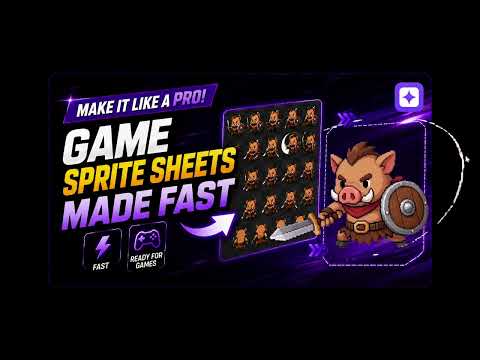
Démarrage rapide
Démarrage rapide — d'une image à une feuille de sprites en 5 minutes
Le chemin le plus court entre l'import d'une seule image de personnage et l'export d'une feuille de sprites de marche ou d'attaque, en quatre étapes.
Guides des outils
Feuille de sprites animée — le guide complet
Toutes les options de l'outil de feuille de sprites, étape par étape : import et retouche du détourage, rédaction du prompt, stratégies d'images-clés, nettoyage du vert et mise en page.
Génération de personnage — un personnage multidirectionnel à partir d'un texte ou d'une image
Comment générer des jeux de personnages isométriques en 4 ou 8 directions à partir d'une description textuelle ou de votre propre image, avec les options de style et de qualité.
3D → Sprite — transformer un modèle riggé en feuille multi-directions
Importez un GLB riggé, choisissez une animation et obtenez une sprite sheet en 4, 8 ou 16 directions. Le rendu tourne sur votre GPU, dans le navigateur, sans crédits.
Extraction d'assets de scène — transformer un décor en éléments individuels
Importez une scène de jeu et l'IA détecte les éléments qu'elle contient — arbres, bâtiments, rochers — puis extrait ceux que vous choisissez sous forme d'assets autonomes. La détection est gratuite.
Détourage d'images — par lots, gratuit, dans votre navigateur
Comment importer des images par lots, supprimer leur arrière-plan et télécharger un ZIP — avec le curseur de protection des détails et les outils de retouche manuelle (baguette, restauration, gomme).
Agrandissement 4K — augmenter la résolution en redessinant les détails
Comment utiliser l'outil d'agrandissement qui régénère les détails avec l'IA au lieu de simplement étirer l'image, et comment régler l'intensité de redétaillage.